USD
USD
Electric Turret Mechanical locking mechanism failure
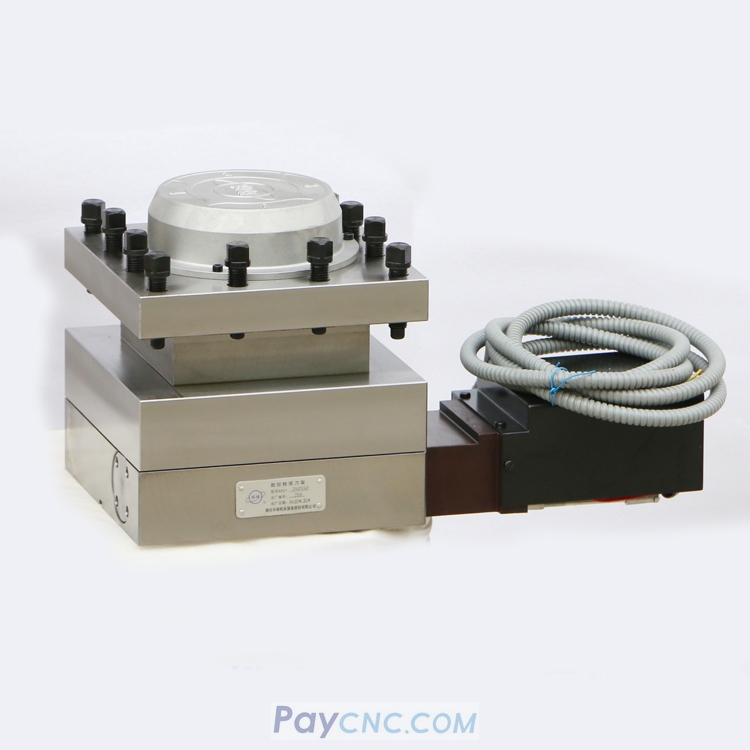
The tool turret cannot lock tightly, causing vibration during machining
If the tool turret is not locked securely, it can cause part dimensions to go out of tolerance, surface chatter marks, and in severe cases may lead to a tool crash. The machine must be stopped immediately for inspection and repair.
The encoder disc position is not properly aligned
Typical symptoms:
After the turret reaches position, there is a noticeable “clicking” sound, and the turret can be moved by hand.
Solution:
Remove the top cover of the turret. Loosen the encoder disc fixing screws and slowly rotate the encoder disc until the Hall sensor is completely aligned with the magnet. Then tighten the fixing screws.
The system reverse-locking time is insufficient
Typical symptoms:
The turret stops immediately after reversing, and the locking force is obviously insufficient.
Parameter setting:
For a new turret, the recommended reverse-locking time is 1.2 seconds.
For a turret that has been in service for more than one year, the time can be extended to 1.5–2 seconds.
Note:
The reverse-locking time should not be set too long, otherwise the turret motor may overheat and burn out.
Mechanical locking mechanism failure
Key inspection points:
Check whether the locating pin is broken or worn
Check whether the locking ratchet teeth are worn
Check whether the clearance between the worm gear and worm shaft is excessive
Solution:
Replace damaged locating pins, repair or replace worn ratchets, and adjust the worm gear/worm shaft clearance to 0.03–0.08 mm.