USD
USD
How to change parameters on KND CNC Controller?
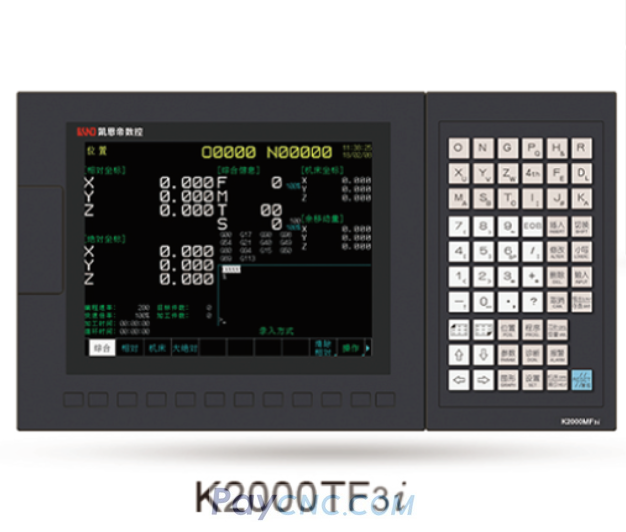
Modifying parameters in the KND CNC system follows clear steps.
Video on Youtube
Switch Input Mode: First, switch the KND CNC system to input mode.
Turn on Parameter Switch: Press the SET key, use the page up/down keys to move the cursor, and turn on the parameter switch.
Enter Modification Interface: Press the Parameter key to enter the parameter modification interface.
Complete Parameter Modification: Enter the target parameter value, press the Input key, and complete the parameter modification.
This demonstration modifies the parameter value to 1.
Paycnc offers all kinds of KND CNC components
If you could not find the exact model, you can send item photos and its nameplate to paycnc@paycnc.com to get quotation.