USD
USD
How to remove Error 41 on KND SD300 Servo Driver?
This video explains the zero-point setting procedure for KND drives and the steps to resolve Alarm 41 on the SD300 model. The core workflow is as follows:
Video on Youtube
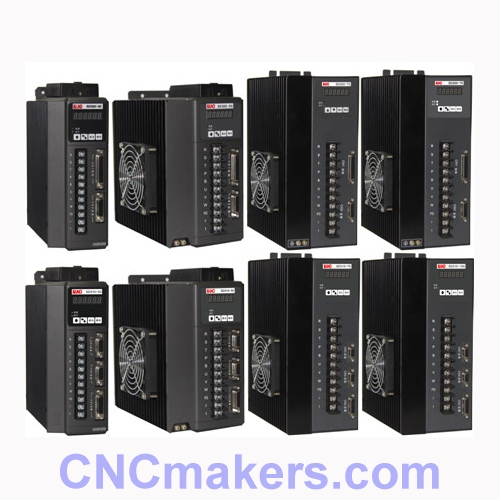
Entering Parameter Settings Mode
Exit the current screen → Locate the PA parameters → Find the TU parameter group.
Triggering Zero-Point Setting
Press and release the TU4 key → Press the Exit key to confirm → Locate and confirm the TU9 parameter.
Resolving Alarm 41
This alarm is typically associated with encoder zero-point offset; recalibrate the zero-point position using the steps above.
Important Notes
Record the original parameters before proceeding to prevent equipment malfunctions caused by accidental changes.
Verify the drive model (e.g., SD300 series) and system version specifications.
If the alarm persists, check the encoder wiring sequence or the mechanical zero-point position.
Video on Youtube
Entering Parameter Settings Mode
Exit the current screen → Locate the PA parameters → Find the TU parameter group.
Triggering Zero-Point Setting
Press and release the TU4 key → Press the Exit key to confirm → Locate and confirm the TU9 parameter.
Resolving Alarm 41
This alarm is typically associated with encoder zero-point offset; recalibrate the zero-point position using the steps above.
Important Notes
Record the original parameters before proceeding to prevent equipment malfunctions caused by accidental changes.
Verify the drive model (e.g., SD300 series) and system version specifications.
If the alarm persists, check the encoder wiring sequence or the mechanical zero-point position.