USD
USD
How to set zero point for GSK 980TDi CNC control?
Video on Youtube
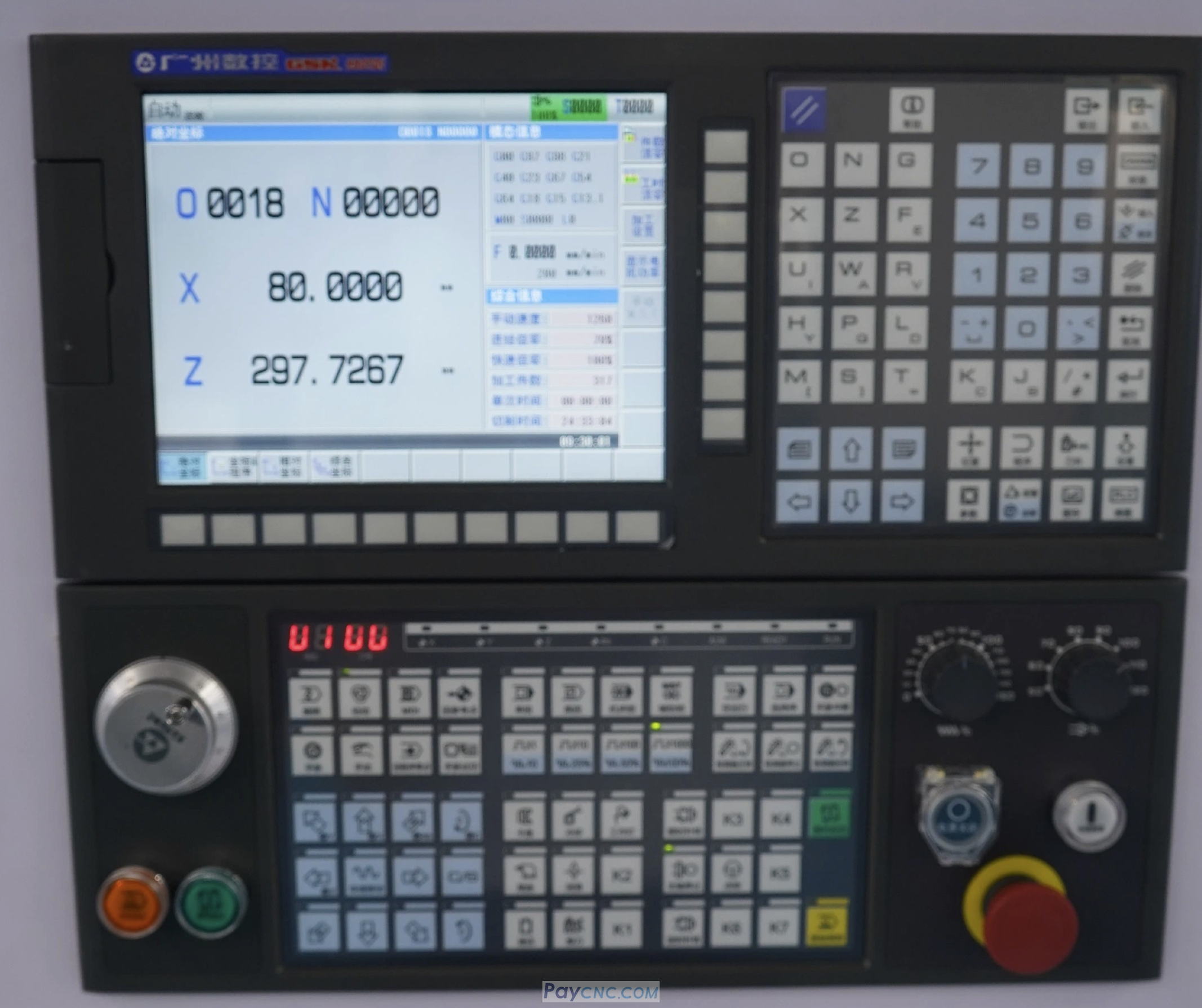
Zero-point setting procedure and precautions for the GSK 980TDI CNC system:
Password-protected modification privileges must be enabled (disabled by default).
Ensure the operation privilege level is set to Level 2 (modification is not possible at Level 3 or Level 4).
Go to the main screen → Select "Comprehensive Coordinates" → Click "Z-axis Zero-point Setting."
Press the "Set" key → Turn on the parameter write switch (turn off via the "Unit" key).
Enter the Level 2 privilege password → Complete the zero-point calibration.
Ensure the encoder reference point is set before configuring the zero point.
Soft limit parameters must be adjusted accordingly (refer to parameters #500/#501).
It is recommended to back up parameters after the operation to prevent data loss.
Note: This system supports power-off memory; the system must be restarted for zero-point parameter changes to take effect. If travel limit adjustments are required, it is recommended to contact the manufacturer's technical support (paycnc@paycnc.com) to obtain the specific parameter table.
Paycnc offers all kinds of GSK CNC controllers
If you could not find the exact model, you can send item photos and its nameplate to paycnc@paycnc.com to get quotation.
Zero-point setting procedure and precautions for the GSK 980TDI CNC system:
Password-protected modification privileges must be enabled (disabled by default).
Ensure the operation privilege level is set to Level 2 (modification is not possible at Level 3 or Level 4).
Go to the main screen → Select "Comprehensive Coordinates" → Click "Z-axis Zero-point Setting."
Press the "Set" key → Turn on the parameter write switch (turn off via the "Unit" key).
Enter the Level 2 privilege password → Complete the zero-point calibration.
Ensure the encoder reference point is set before configuring the zero point.
Soft limit parameters must be adjusted accordingly (refer to parameters #500/#501).
It is recommended to back up parameters after the operation to prevent data loss.
Note: This system supports power-off memory; the system must be restarted for zero-point parameter changes to take effect. If travel limit adjustments are required, it is recommended to contact the manufacturer's technical support (paycnc@paycnc.com) to obtain the specific parameter table.
Paycnc offers all kinds of GSK CNC controllers
If you could not find the exact model, you can send item photos and its nameplate to paycnc@paycnc.com to get quotation.