USD

How to solve GR2000 Error 39?
Video on Youtube
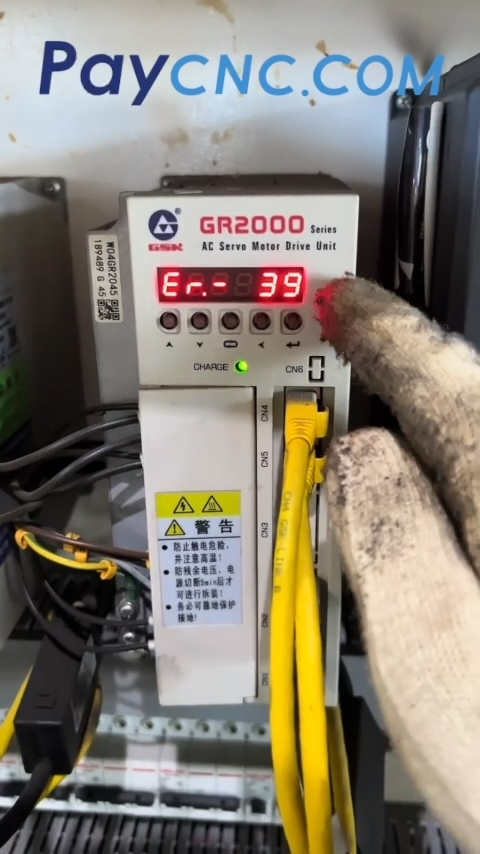
How to solve GR2000 Error 39?
Troubleshooting and recovery procedure for the GSK GR2000 Servo driver following an "er-39" alarm: The issue was traced to a faulty encoder cable; replacing the cable cleared the alarm, after which the Z-axis reference point had to be reset.
Once the alarm is cleared, the origin (reference point) must be reset. A crucial step is to disable the "soft limit" function under "Settings — Function Settings"—otherwise, the axis cannot be moved. Then, switch to manual mode and move the Z-axis to the desired position.
Paycnc offers different kinds of GSK GR2000 ac servo drivers
If you could not find the exact model, you can send item photos and its nameplate to paycnc@paycnc.com to get quotation.
WhatsApp: https://wa.me/+8613925042139
#servodrive #GR2000