USD
USD
Parameters setting on GSK980TDb GSK980TDa GSK980TDc?
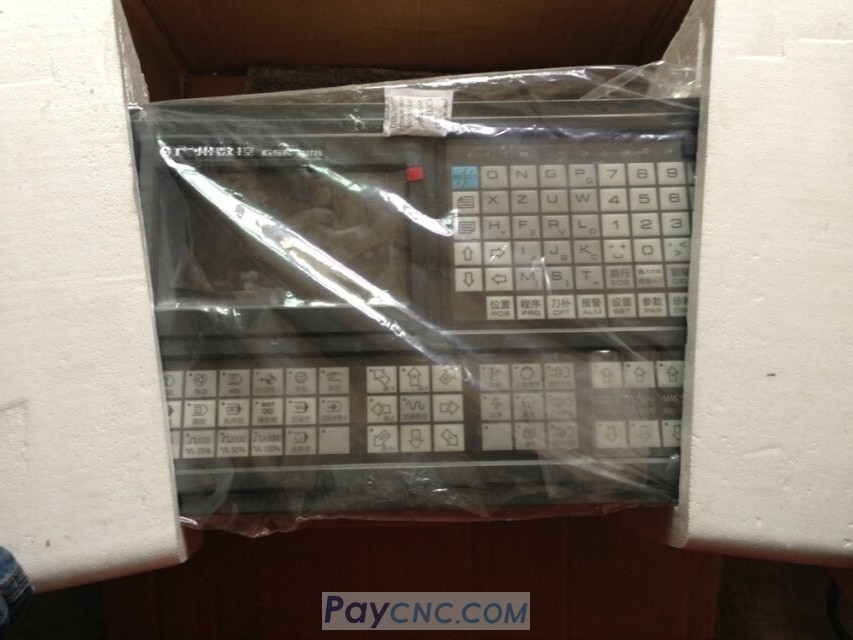
The GSK980TDb CNC Controller parameter settings, how to set axis traverse speed, soft limits, and tool feed/retraction.
Axis Rapid Traverse Speed Setting: First, press the SET button, then press the L button to open the parameter writing window, and then use the parameter button to navigate through the pages. Parameter 22 corresponds to the maximum X-axis rapid traverse speed, with a standard value of 4000 mm/min. To modify this, press the input button to enter the value. Parameter 23 corresponds to the Z-axis rapid traverse speed, with a standard value of 6 m/min.
Soft Limit Parameter Setting: Navigate to parameter 45, which is the maximum X-axis soft limit; parameter 46 is the maximum Z-axis soft limit; parameter 47 is the minimum X-axis soft limit; and parameter 48 is the minimum Z-axis soft limit. These can be adjusted as needed to resolve alarm issues.
Infeed/Retraction Parameter Settings: Parameters 51 and 57 are the single-pass feed amount for machine tools 1 and 2, typically 2 mm per side; parameter 52 is the retraction amount, typically 0.25 mm; parameter 53 is the retraction amount for machine tool 3.
Compatible Machine Models: This parameter setting method also applies to GSK980TDA and GSK980TDC systems.